Best AI Tools for Freelance Marketers in 2026 (My Actual Stack)
Discover the best AI tools for freelancers I actually use to run my marketing business. No fluff, just 10 tools worth your time in 2026.

.webp)
Heads up: Some of the links below are affiliate links, which means I may earn a small commission if you choose to use them — at no extra cost to you. I only recommend tools I personally use and trust.
TL;DR — My Top 3 Picks by Use Case:
- Best for strategy & writing: Claude
- Best for saving time on calls: Fireflies
- Best for faster first drafts: Wispr
I feel like every second of my life someone tells me about a new AI tool they've come across.
Honestly? Most of them tend to be a waste of time. Either the learning curve is too complicated, the free plan is too limited, or it just does one thing you could already do in 30 seconds manually.
But every once in a while, you come across a tool that actually changes how you work.
Claude has been the talk of the internet lately. Every Claude bro is sharing never-ending X threads on how "it's changing their life" and frankly, that's just overwhelming to me.
That's why I decided today would be a good time to share the 10 best AI tools for freelancers I'd actually put in a freelance marketer's stack. No fluff. No tools I haven't touched myself. Just the ones worth your time.
Let's get into it.
#1 Claude

Claude is the best AI assistant for freelance strategy and writing. It's the obvious #1.
This is the one everyone's been talking about, and for good reason.
I use Claude as my main AI thinking partner. Strategy documents, email drafts, newsletter outlines, research summaries, client proposals. It handles all of it better than anything else I've tested.
The key difference? It actually reasons through problems instead of just generating text. Give it context about your client, your goals, and what you're trying to achieve, and the output is genuinely useful. It's not spitting out generic marketing fluff — it thinks through the problem the way a senior strategist would.
If you want to see what Claude can actually do for your freelance business, I wrote about 3 Claude Prompts That Will Get You More Freelance Clients — those alone have changed how I do outreach.
Best for: Proposals, strategy docs, email drafts, research, brainstorming campaign angles.
Pricing: Free tier available. Pro plan is $20/month.
#2 Fireflies

Fireflies automates your meeting notes and client call recaps so you never miss a detail.
I used to spend 30 minutes after every client call putting together meeting notes. Fireflies killed that habit completely.
It joins your Zoom or Google Meet automatically, records the call, transcribes everything, and generates a summary with action items. You stay fully present during the call and review the recap in 5 minutes after.
This is a game-changer for anyone running discovery calls. Instead of scribbling notes while trying to listen, you actually focus on the conversation — then use the transcript to build your proposal. I also use the transcripts when writing follow-up emails to prospects so I can reference specific things they said on the call. That level of detail closes deals.
Best for: Client calls, discovery calls, team meetings, proposal prep.
Pricing: Free plan covers most freelancers starting out (300 min/month). Pro is $18/month.
#3 Wispr

Wispr turns your voice into text for faster first drafts of anything you need to write.
Most people type their thoughts. Wispr lets you talk them instead.
It converts your voice to text anywhere on your computer so you can draft emails, Slack messages, and documents just by speaking. If you've ever stared at a blank page trying to start something, talking it out first is a surprisingly effective fix.
I've started using it for first drafts of everything — client updates, proposals, even newsletter outlines. You think faster than you type, and Wispr captures that. Then I drop the rough text into Claude to clean it up and structure it. That one-two combo is probably the single biggest freelance productivity hack I've found this year.
Best for: Email drafts, Slack messages, brainstorming, first drafts of any document.
Pricing: Free plan available. Pro is $10/month.
#4 Notion AI
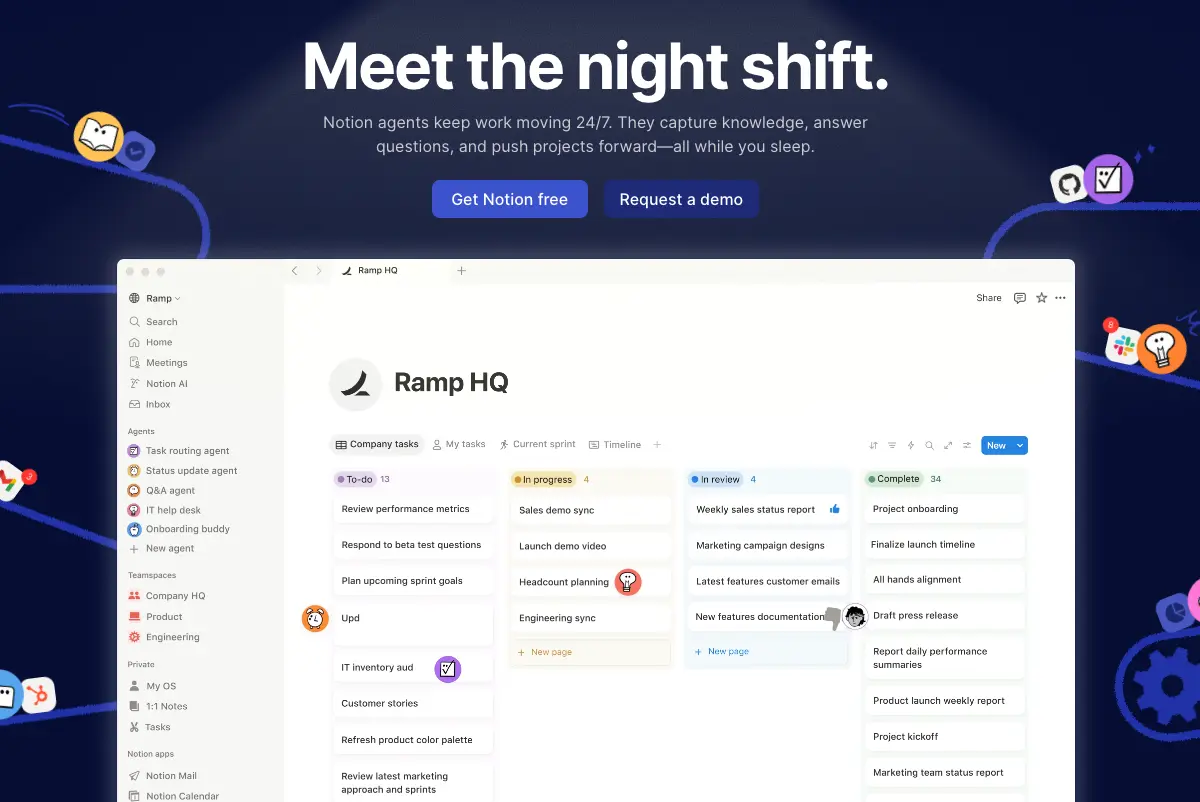
Notion AI acts as your second brain for managing clients and keeping every project organized.
If you already use Notion for project management, adding Notion AI is a no-brainer.
It searches across all your documents, drafts proposals, generates summaries, and pulls action items from your notes. I've had clients ask about strategies we discussed months ago and instead of scrolling through old notes I just ask Notion AI to find it. Takes seconds.
For managing multiple clients at once, this tool keeps everything organized and searchable. Pair it with a solid client onboarding system and you'll never lose track of a deliverable again. It's also incredibly useful for building out your own internal processes so your client work runs like clockwork even when you're juggling 3-4 accounts.
Best for: Project management, document search, proposal drafting, client knowledge management.
Pricing: Included with Notion plans. AI add-on is $10/member/month.
#5 Midjourney
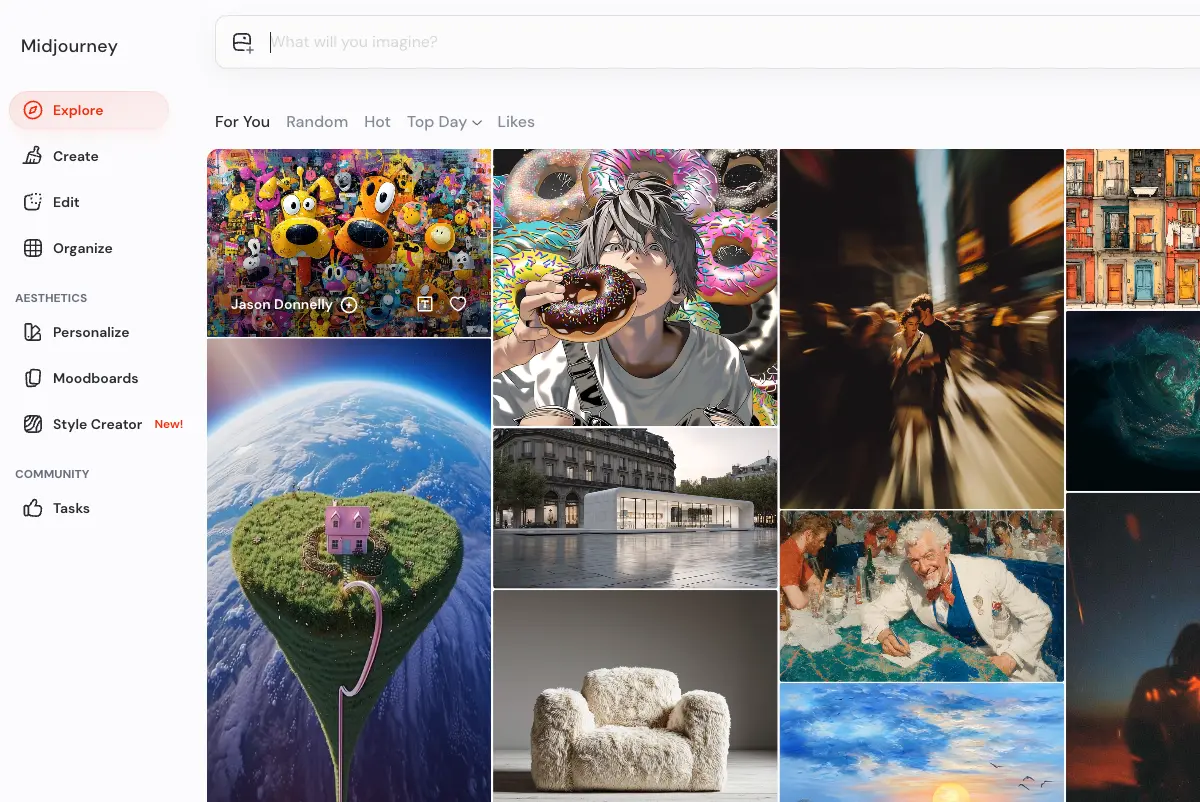
Midjourney generates scroll-stopping ad creative on demand when stock photos won't cut it.
If you've ever needed a scroll-stopping creative for a Facebook ad and couldn't find anything in stock photo libraries, Midjourney is your answer.
Type a prompt, get a stunning image in seconds. The quality is genuinely impressive, and it's become my go-to whenever I need something eye-catching that doesn't look like every other ad in the feed.
Especially useful for freelancers running paid social who need to test multiple visual concepts quickly without waiting on a designer. I'll generate 10-15 variations in a sitting, pick the strongest 3-4, and drop them into Canva for final formatting. That combo alone has cut my creative production time in half.
Best for: Ad creative, social media visuals, concept testing, mood boards.
Pricing: Basic plan starts at $10/month.
#6 Lovable

Lovable lets you build a professional freelance website in minutes without touching code.
Every freelancer needs a website. Most either pay thousands for one or spend weeks fumbling through a builder.
Lovable lets you describe what you want and it builds it for you. A clean, professional freelance website with a portfolio, services page, and contact form. No coding, no drag-and-drop frustration. Just tell it what you need and iterate from there. One of the lowest barrier-to-entry tools on this list.
If you've been debating whether you need a website or just social media, the answer is both. Lovable makes the website part painless. Having a site also makes it way easier to justify premium rates because it signals you're a real business, not just another freelancer on a marketplace.
Best for: Portfolio sites, services pages, landing pages, personal brand websites.
Pricing: Free to start. Paid plans from $20/month for custom domains.
#7 Descript
Here's one most freelancers don't know about.
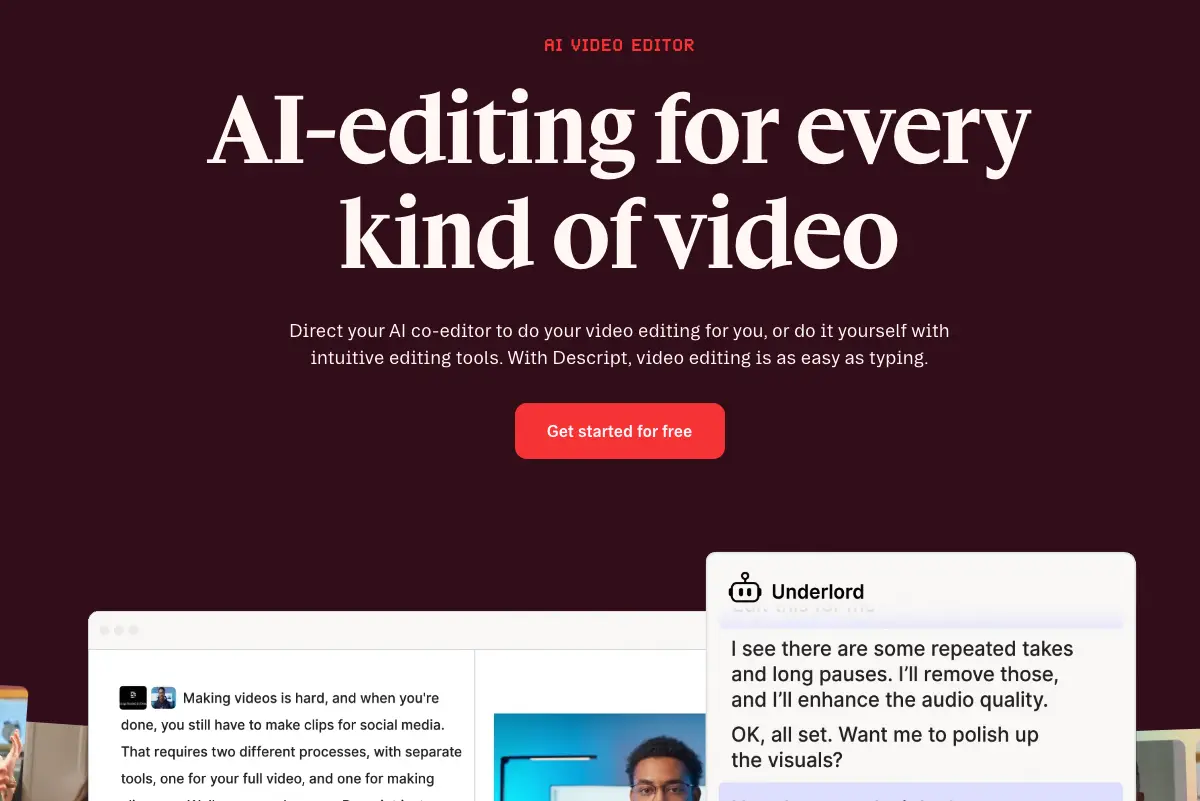
Descript bridges video transcription and content repurposing into one simple workflow.
I use Descript to transcribe videos, then drop the transcript straight into Claude for summaries, key takeaways, or content ideas. It's become a core part of how I do research and stay on top of my industry without watching hours of content.
If you're repurposing video content for clients (turning webinars into blog posts, podcasts into social clips), Descript makes the first step effortless. The editing interface lets you edit video by editing text, which means you don't need to learn Premiere Pro to create polished clips for social.
Best for: Video transcription, content repurposing, podcast editing, research.
Pricing: Free plan available. Pro starts at $24/month.
#8 Gemini

Gemini is an AI-powered research tool that pulls insights across YouTube and the web fast.
If you use YouTube for research or client work, Gemini belongs in your stack.
Its YouTube integration lets you pull insights from videos without watching them end to end. It also handles broad research tasks well when you need to pull from multiple sources quickly.
I use it alongside Claude. Claude for deep thinking and strategy, Gemini for quick research sweeps across video content. Between the two, I can do in 20 minutes what used to take me an entire afternoon of watching tutorials and reading articles.
Best for: Video research, competitive analysis, trend monitoring, broad research tasks.Pricing: Free tier available. Advanced is $20/month.
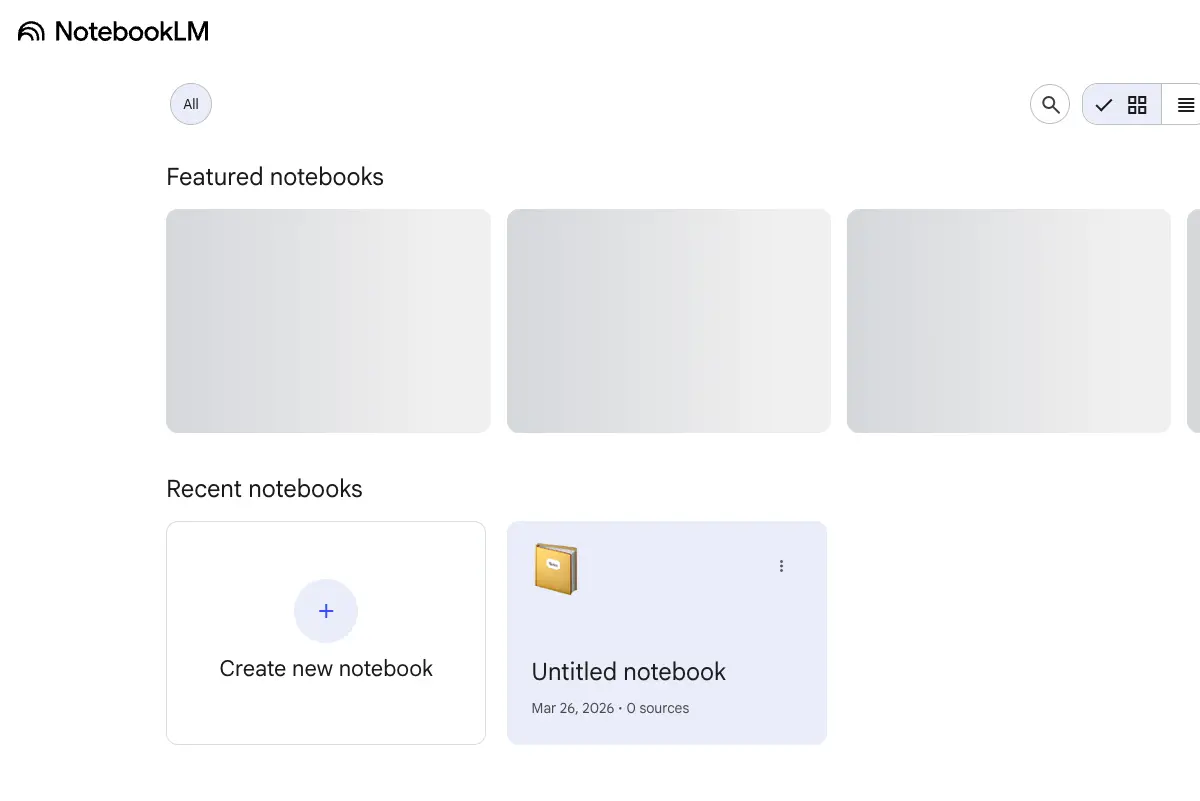
#9 NotebookLM
This one is underrated.
NotebookLM turns your research into a searchable knowledge base you can chat with.
Upload your documents, articles, PDFs, and research sources, then chat with them like a knowledge base. Instead of rereading everything when you need to reference something, you just ask it. Great for staying on top of industry research or organizing client background materials before a big pitch.
I've started uploading all my client briefs, campaign reports, and industry articles into NotebookLM at the start of each month. When it's time to prep for a discovery call or build a proposal, I already have a searchable database of everything I need.
Best for: Research organization, pitch prep, client knowledge management, industry monitoring.
Pricing: Free with a Google account.
#10 Canva Magic Studio
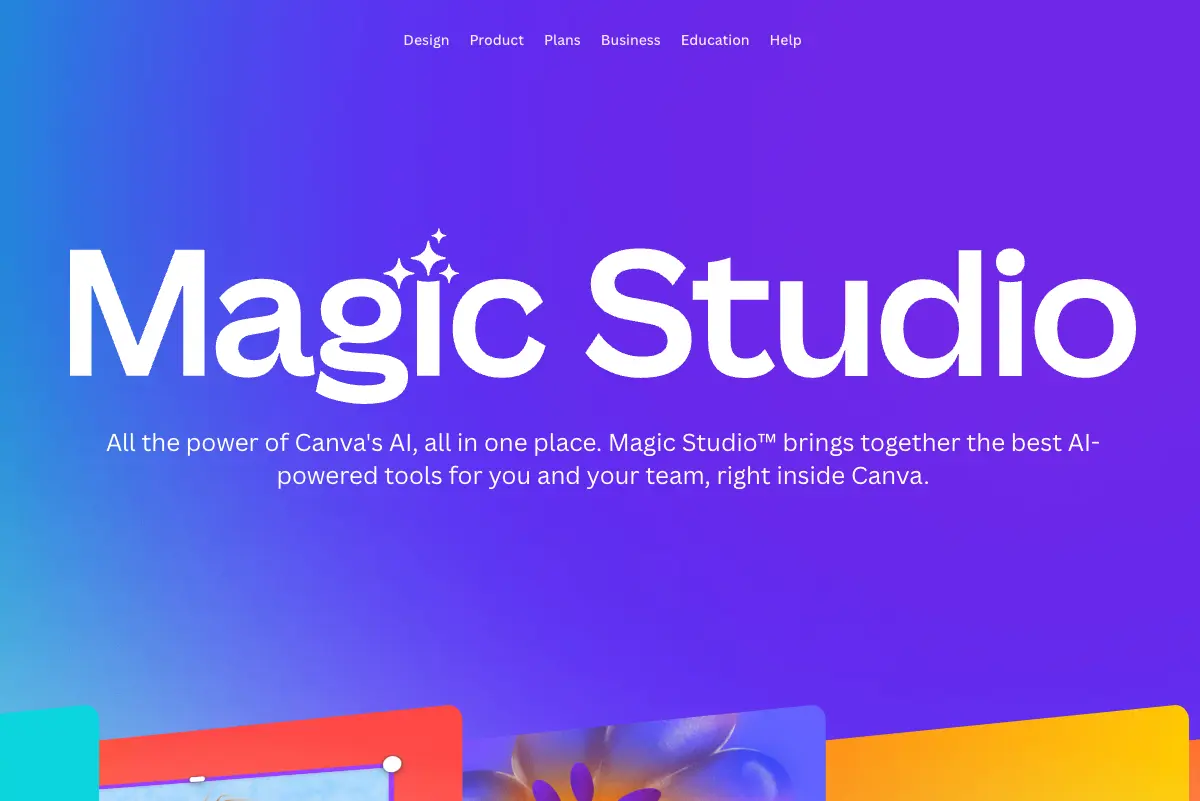
Canva Magic Studio gives you AI-powered ad design without needing a designer.
I'm not a designer. But running paid social campaigns means I need creatives. A lot of them.
Canva's Magic Studio lets me generate Facebook ad visuals from a single prompt, resize across placements automatically, and match brand colors without touching a slider. I can go from brief to 5 ad variations in under an hour. For a paid social freelancer who needs to keep creative fresh without a full design team, this one is hard to beat.
If you're building out your freelance marketing portfolio, Canva is also great for making case study visuals and pitch deck graphics that look polished without hiring a designer.
Best for: Social media ads, client presentations, case study graphics, portfolio visuals.
Pricing: Free plan with limited AI features. Pro is $13/month.
Quick Comparison: All 10 AI Tools at a Glance
How to Actually Start Using These AI Tools for Freelancing
Here's where most freelancers mess up: they sign up for every tool on the list, get overwhelmed, and end up using none of them.
Don't do that.
Pick one tool from this list that solves your biggest time-suck. Use it consistently for two weeks. Once it's part of your workflow, add another.
For most freelance marketers, I'd recommend starting with Claude and Fireflies. Those two alone will save you 5-10 hours per week, and they're both easy to integrate into your existing workflow.
As you get comfortable, you'll start seeing opportunities everywhere. The goal isn't to automate your expertise, it's to let AI handle the tedious parts so you can focus on the strategic, high-value work that commands premium rates.
The Bottom Line
The freelancers landing high-paying clients and building sustainable businesses aren't working twice as hard as everyone else. They're working twice as smart.
These 10 AI tools are the best way to save time freelancing while actually improving the quality of your work. They're your shortcut to building the freelance marketing business (and life) you actually want.
Frequently Asked Questions
Are these AI tools worth the cost for solo freelancers?
Most of the tools on this list have free plans that cover everything a freelancer needs to get started. I'd recommend starting free, and only upgrading once you're using a tool daily and hitting limits. Claude Pro and Fireflies Pro were the first two I paid for because the time savings were immediate and obvious. We're talking 5-10 hours a week back in my calendar.
Can I use AI-generated content for client work?
Yes, but don't hand clients raw AI output. I use these tools to generate first drafts, brainstorm angles, and speed up research. The strategic thinking, client context, and final polish? That's still you. AI is a tool in your workflow, not a replacement for your expertise. That's exactly what separates high-earning freelancers from everyone else.
What's the best AI tool if I can only pick one?
Claude. It's the most versatile tool on this list and covers the widest range of freelance tasks: writing proposals and strategy docs, brainstorming campaign angles, drafting client emails. If you add Fireflies as your second tool, you've covered about 80% of the AI productivity gains available to freelancers right now.
Will AI replace freelance marketers?
No. AI handles execution and repetitive tasks. Clients hire freelance marketers for strategic thinking, creative problem-solving, and industry expertise. Those are things AI can't replicate. The freelancers who learn to use AI tools effectively will outcompete those who don't, but AI isn't replacing the job itself.
How long does it take to see productivity gains from AI tools?
Most freelancers see meaningful time savings within the first week. The biggest gains come from Claude (faster writing and strategy work) and Fireflies (eliminating manual meeting notes). After two weeks of consistent use, these tools feel like second nature and you'll wonder how you worked without them.
Contents